Are you looking Inventory Management Software for your business? If yes, here I have provided this free software download and how to operate guideline. If you think this software fulfills the requirement for your small business, then you can download and install this software in your computer and start using.
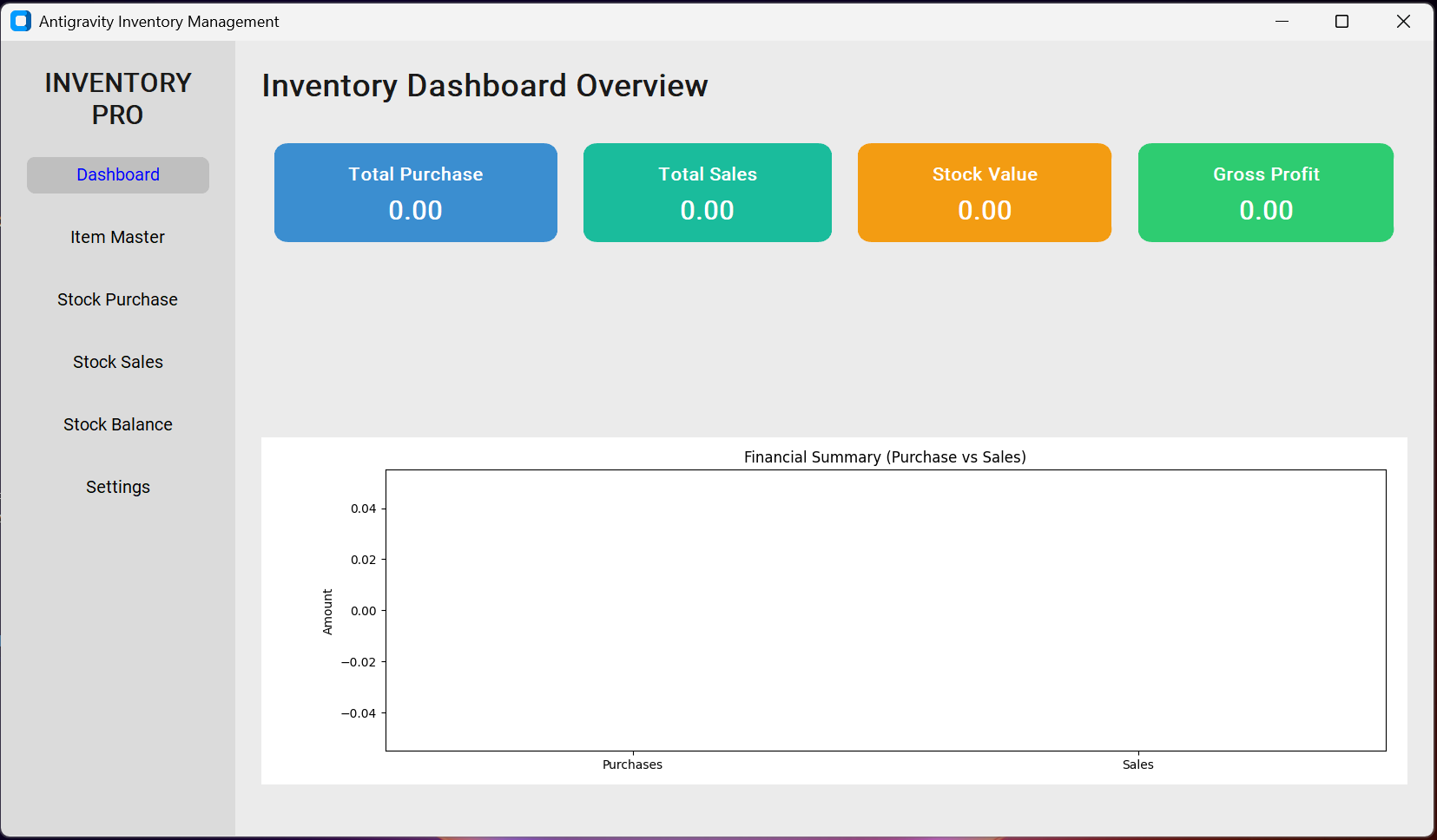
Key Features
This Inventory Management software has below mentioned features.
- Dashboard: shows total Purchase, total Sales, total Stock and Gross Profit.
- Item Master: enter the item or product details.
- Stock Purchase: enter the details of stock in or purchases
- Stock Sales: enter the details of stock out or sales
- Stock Balance: shows the remaining balance of products.
- Reorder: shows the reorder requirement notification.
- Settings: set up currency, theme, backup and restore data.
Operating Guideline
To learn how to operate this software consider below given key points.
- First, enter the item/product details in the Item Master.
- Start entering the purchase and sales transaction.
- See the balance of stocks in stock balance section which gets auto calculated.
- See the overview of Total Purchase, Sales, Balance and Gross Profit in the dashboard section.
- If you want to use currency symbol in the dashboard, set up in the settings.
- Periodically keep data backup for safety purpose. If computer is formatted or switched to new computer, you can restore the backed up data.
For more clarity on how to operate instructions, watch the YouTube video tutorial from below.
Software Download Link
If you think this software is useful for you and want to use, download it from the link below.